
Best WordPress hosting for beginners isn’t always easy to figure out, especially if this is your first time building a WordPress website. Many beginners rush through this step, only to face problems later—slow loading speeds, confusing dashboards, unexpected renewal charges, or poor customer support.
The good news is that you don’t need technical knowledge to make the right choice. Today, many hosting providers are built specifically for beginners, offering one-click WordPress installation, free domains, and guided setup that removes most of the complexity.
In this guide, you’ll learn what WordPress hosting actually is, how hosting and domains work together, how much it costs in 2026, and which hosting providers are best for beginners. By the end, you’ll know exactly what to choose—and what to avoid—before moving on to installing WordPress.
This article is part of my beginner series on WordPress and complements my main guide on how to launch your first WordPress website.
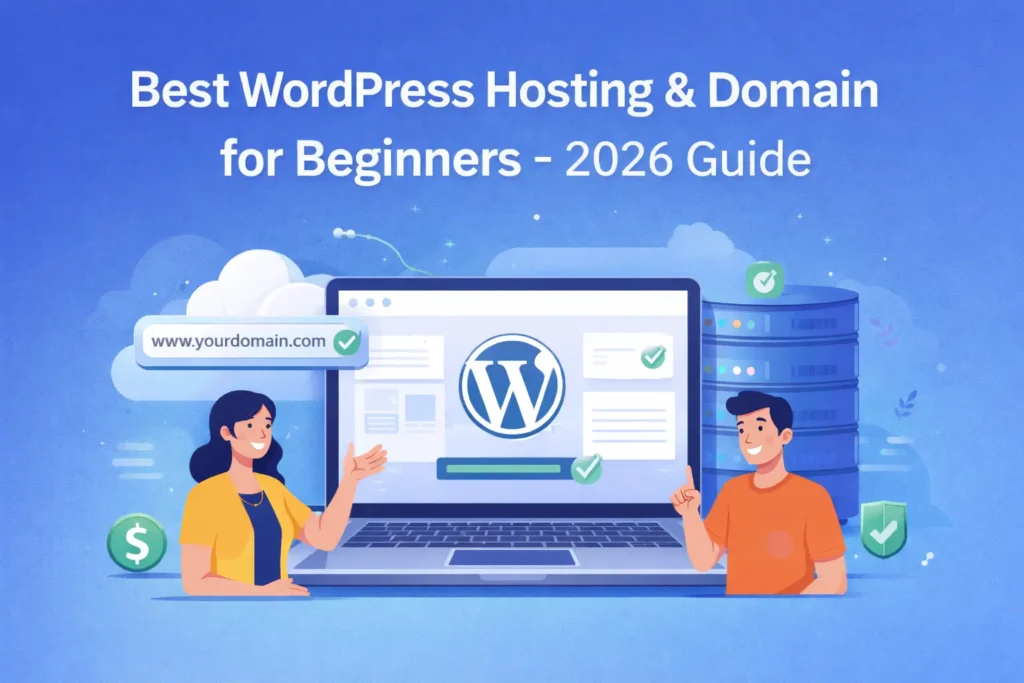
What Is WordPress Hosting?
Web hosting is what makes your website visible on the internet. Without hosting, your website files would exist only on your computer and no one else would be able to access them.
WordPress hosting is a type of hosting optimized specifically for WordPress websites. It’s designed to run WordPress faster, more securely, and with fewer technical issues—making it ideal for beginners.
Most WordPress hosting plans include:
- One-click WordPress installation
- Automatic updates
- Built-in security features
- WordPress-friendly customer support
For first-time website owners, this means less troubleshooting and more focus on creating content.
Hosting vs Domain: What’s the Difference?
This is one of the most common points of confusion for beginners.
A domain name is your website’s address (for example, yourwebsite.com). Hosting is the space where your website’s files, images, and content are stored.
A simple way to think about it:
- Domain = your home’s address
- Hosting = the house itself
You need both to launch a WordPress website. Most beginners choose to buy hosting and a domain from the same provider because it simplifies setup and avoids technical issues like DNS configuration.
How Much Does WordPress Hosting Cost in 2026?
Starting a WordPress website is still very affordable in 2026.
For beginners, typical costs look like this:
- Hosting: ₹150–₹400 per month (introductory pricing)
- Domain: Free for the first year with most hosts
- SSL certificate: Usually included for free
However, beginners should always check renewal pricing. Hosting plans often start cheap and increase after the first term. Choosing a reliable WordPress hosting provider with transparent pricing can save money and frustration later.
Best WordPress Hosting Options for Beginners (2026)
There’s no single “best” hosting provider for everyone. The right choice depends on your budget, comfort level with technology, and long-term goals. Some beginners want the easiest setup possible, while others prioritize speed, support, or flexibility as their website grows.
Below are some of the most beginner-friendly WordPress hosting providers in 2026, chosen for ease of use, reliability, and support quality.
1. Bluehost – Best for Absolute Beginners
Bluehost is one of the most popular choices for first-time WordPress users. I also manage client websites hosted on Bluehost, which makes it a familiar option for many beginners. Its guided setup and one-click WordPress installation make it easier for first-time users to get started.
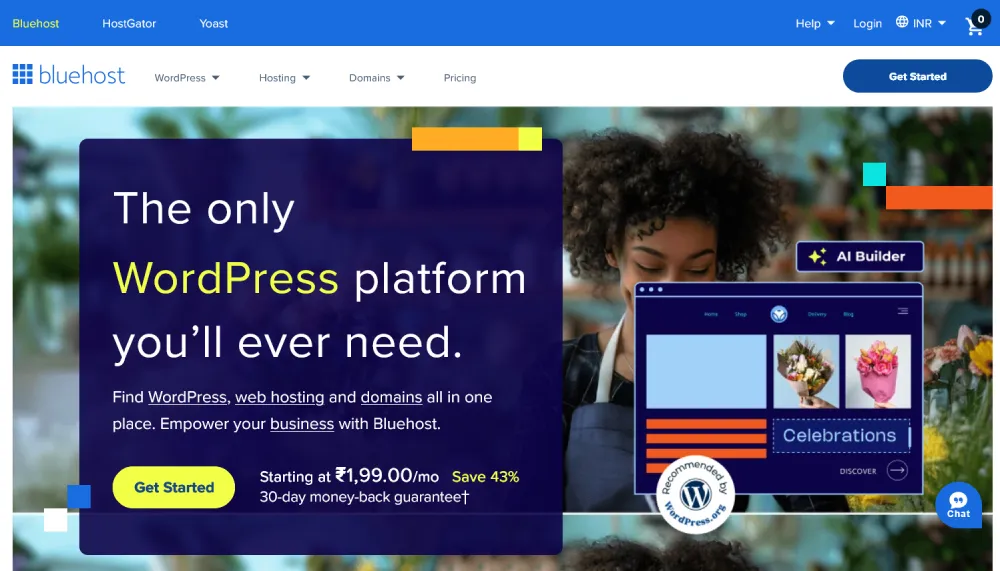
Why beginners choose Bluehost:
- Free domain for the first year
- One-click WordPress installation
- Simple, beginner-friendly dashboard
- 24/7 customer support
Best for: People launching their first website who want the easiest possible setup.
Things to note: Renewal prices are higher after the initial term, so plan for long-term costs.
2. SiteGround – Best for Speed & Support
SiteGround focuses heavily on performance and customer support. Its infrastructure is optimized for WordPress, which helps websites load faster and stay stable even during traffic spikes. Beginners who value speed and responsive support often find SiteGround reassuring to work with.
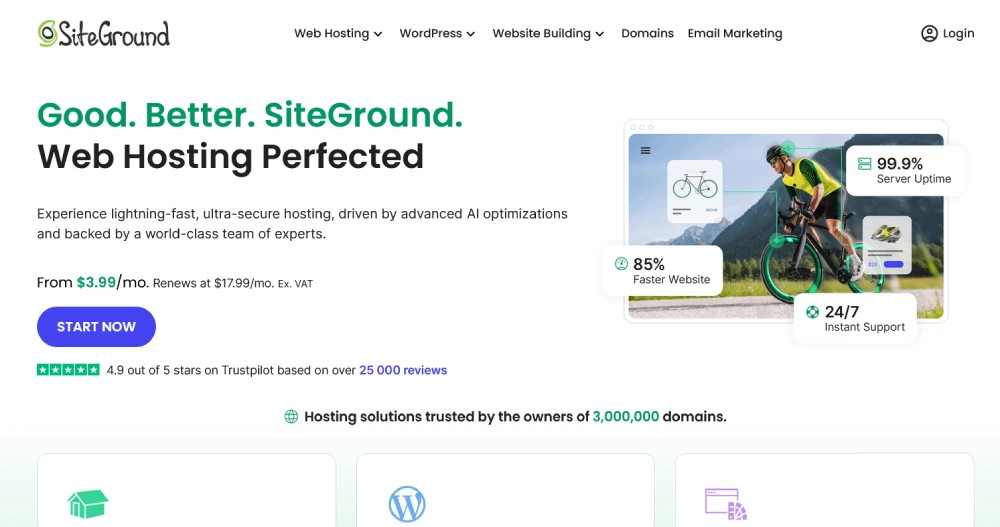
Why SiteGround stands out:
- Fast servers and excellent uptime
- High-quality technical support
- Daily backups and strong security
- Optimized for WordPress performance
Best for: Beginners who want reliability and are willing to pay slightly more.
3. Hostinger – Budget-Friendly Option
Hostinger is a popular choice for beginners who want affordable hosting without sacrificing too much performance. I currently use Hostinger for my own website, and it has been reliable for day-to-day management, especially for small to medium WordPress sites.
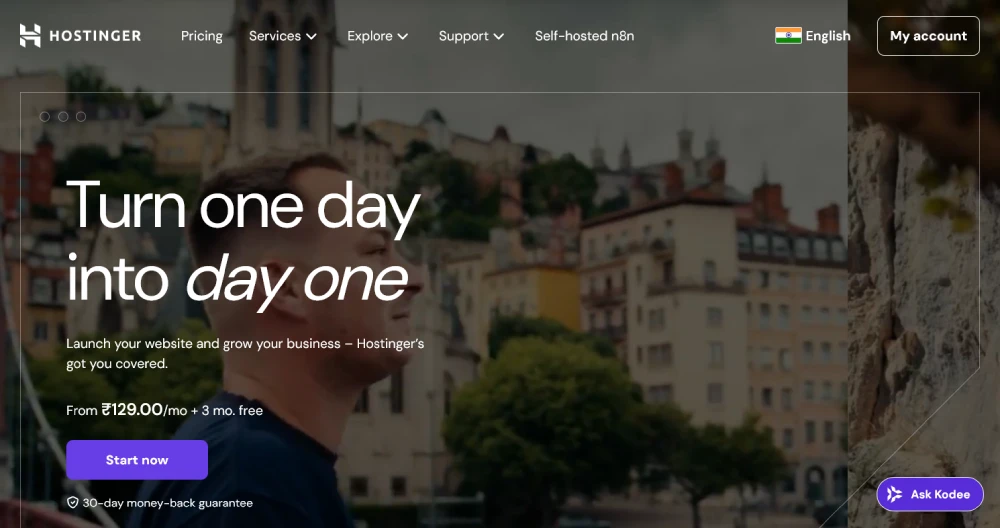
Why beginners like Hostinger:
- Low starting prices
- Clean, easy-to-use control panel
- Good performance for small to medium sites
Best for: Budget-conscious beginners starting with a simple website or blog.
WordPress Hosting Comparison Table (Beginner View)
Here’s a quick comparison of beginner-friendly WordPress hosting providers based on ease of use, performance, and support.
| Feature | Bluehost | SiteGround | Hostinger |
|---|---|---|---|
| Free Domain (1st year) | Yes | No | Yes |
| One-Click WordPress Install | Yes | Yes | Yes |
| Beginner-Friendly Dashboard | Very Easy | Easy | Easy |
| Performance & Speed | Good | Excellent | Good |
| Support Quality | Good | Excellent | Good |
| Best For | First-time beginners | Speed & reliability | Budget users |
If you’re comparing options for best WordPress hosting for beginners, focus on ease of use, support quality, and long-term pricing rather than just the cheapest plan.
Once you’ve purchased your hosting and domain, the next step is installing WordPress on your hosting account. Follow this step-by-step WordPress installation guide for beginners to get your site up and running.
One-Click WordPress Installation Explained
One of the biggest advantages of beginner-friendly hosting is one-click WordPress installation.
This feature allows you to install WordPress without manually uploading files or creating databases. Everything is handled automatically through your hosting dashboard—usually in just a few minutes.
For beginners, this is the safest and fastest way to get started. Once installed, you can log in to your WordPress dashboard immediately and begin setting up your site.
If one-click installation isn’t available, WordPress can also be installed manually. That method is better suited for advanced beginners and is covered separately.
Should You Buy Hosting and Domain Together?
For most beginners, the answer is yes.
Buying hosting and domain together:
- Saves time
- Reduces technical confusion
- Makes setup smoother
You can always move your domain or hosting later as your website grows. When starting out, simplicity matters more than flexibility.
Common Hosting Mistakes Beginners Should Avoid
Many beginners make hosting decisions based on price alone, which often leads to problems later.
Avoid these common mistakes:
- Using free hosting for serious websites
- Ignoring customer support quality
- Not checking renewal prices
- Buying advanced plans you don’t need yet
Your hosting affects your website’s speed, SEO, security, and user experience, so it’s worth choosing carefully.
Quick Hosting Checklist for Beginners
Before finalizing your hosting provider, make sure it offers:
- WordPress-optimized hosting
- Free SSL certificate
- One-click WordPress installation
- Reliable customer support
- Easy upgrade options
If these boxes are checked, you’re on the right track.
Frequently Asked Questions
Which is the best WordPress hosting for beginners?
For most beginners, Bluehost is the easiest option because of its guided setup and one-click WordPress installation. If speed and support are priorities, SiteGround is a strong alternative.
Can I change my WordPress hosting later?
Yes. You can move your website to another hosting provider later. Many hosts offer free migration services when you upgrade or switch plans.
Do I need expensive hosting to start a WordPress site?
No. A basic shared WordPress hosting plan is more than enough for a new website. You can upgrade as your site grows.
Is it better to buy hosting and domain together?
For beginners, buying hosting and domain from the same provider makes setup easier and avoids DNS-related confusion.
