
Many blog posts fail to rank on Google even when the content is helpful and well researched. In many cases, the problem is not the content itself — it is how the content is structured.
Search engines and readers both prefer content that is organized, easy to scan, and logically structured. When your article is formatted properly, search engines can understand your topic more easily and readers can quickly find the information they need.
Understanding the correct blog post structure for SEO and AI search helps search engines crawl your content efficiently while making it easier for readers to scan and understand your content.
In this guide, you’ll learn how to structure a blog post for SEO, including the best way to use headings, formatting, internal links, and content writing techniques to create content that ranks in search results.
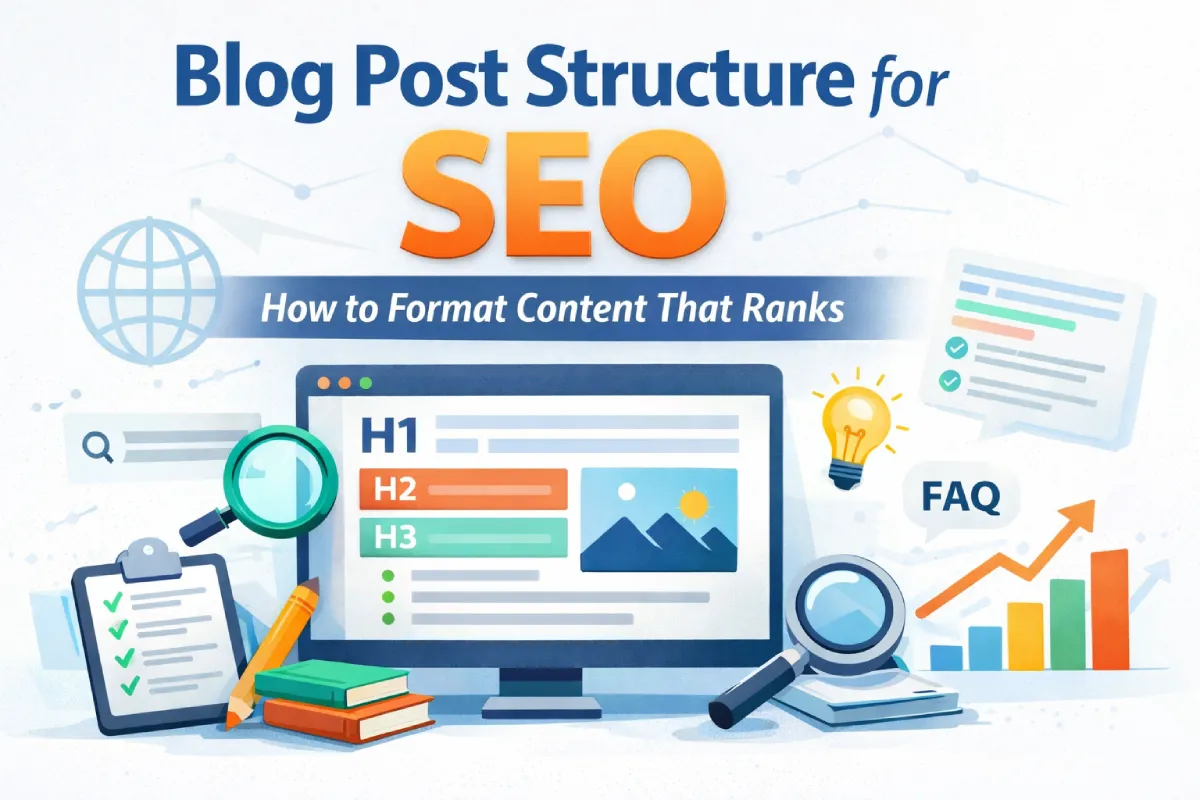
Why Blog Post Structure Matters for SEO
Search engines do not simply read content word by word. Instead, they analyze the page structure, headings, and content hierarchy to understand what a page is about.
A well-structured blog post improves SEO in several ways.
Helps search engines understand your content
Headings create a clear hierarchy that helps search engines identify the main topics of your page.
Improves readability
Most readers scan content instead of reading every sentence. Structured content makes it easier for them to find answers quickly.
Increases engagement
Well-formatted blog posts often improve:
- time on page
- scroll depth
- user engagement
These signals indicate that your content is useful and can indirectly support better rankings.
How Blog Post Structure Helps With AI Search and AI Overviews
Search engines are increasingly using AI to generate answers directly in search results. Features like Google AI Overviews often pull information from well-structured blog posts.
Blog posts that are clearly formatted are more likely to be used as sources for AI-generated answers.
Well-structured content helps AI systems:
- identify the main topic of a page
- extract key points from headings and lists
- summarize information accurately
For example, blog posts that include sections like FAQs, step-by-step instructions, and clear headings are easier for AI systems to interpret.
When your content follows a logical structure, it becomes easier for both search engines and AI-powered search features to understand and summarize your content.
Structured blog posts with clear headings, lists, and concise explanations are more likely to be selected as sources for AI-generated search summaries. This increases the chances that your article may be referenced in AI-generated search results.
The Ideal Blog Post Structure for SEO
A typical SEO-optimized blog post includes the following elements:
- Title (H1)
- Introduction
- Table of contents
- Main sections (H2 headings)
- Subsections (H3 headings)
- Images and examples
- Internal links
- FAQ section
- Conclusion
Let’s look at each section in detail.
1. Create an SEO-Optimized Title (H1)
Your blog title should clearly explain the topic of the article and include your primary keyword.
Example:
✔ Blog Post Structure for SEO: How to Format Content That Ranks
Avoid vague titles that do not clearly describe the topic.
A strong title improves click-through rate in search results and helps search engines understand the page topic.
2. Write a Strong Introduction
The introduction should quickly explain:
- what the article is about
- why it matters
- what the reader will learn
Example structure:
Problem → Context → Solution
For example:
Many bloggers focus heavily on keywords but overlook how their content is structured. Even useful articles may struggle to rank if they are difficult for readers and search engines to understand.
In this guide, you’ll learn how to structure a blog post for SEO so your content becomes easier to read, easier to crawl, and more likely to rank in search results.
3. Use a Clear Heading Structure (H1, H2, H3)
Headings help organize your content and improve readability.
A typical heading structure looks like this:
H1 – Blog post title
H2 – Main sections
H3 – Subtopics within sections
Example:
H2: Why Blog Structure Matters
H2: Ideal Blog Post Structure
H3: Title Optimization
H3: Introduction Formatting
H3: Internal Linking Strategy
Avoid skipping heading levels such as H2 directly to H4.
4. Add a Table of Contents
For long articles, a Table of Contents (TOC) improves navigation.
Benefits include:
- easier page navigation
- improved user experience
- higher engagement
Many WordPress plugins automatically generate a table of contents for long posts.
5. Write Short Paragraphs for Better Readability
Large blocks of text make blog posts harder to read.
Instead:
- keep paragraphs short
- use bullet points
- break long sections into smaller headings
Example:
Instead of writing a long paragraph explaining multiple ideas, break them into clear points like this.
Shorter sections make content easier to scan and understand.
6. Add Images and Visual Examples
Images improve engagement and help readers understand complex topics.
Useful visuals include:
- screenshots
- diagrams
- step-by-step tutorials
- infographics
For example, if you are explaining SEO tools, you could include screenshots from your comparison guide:
You can learn more in this comparison:
RankMath vs All in One SEO: Which Plugin Is Better for WordPress?
Images should also include descriptive alt text so search engines can understand the image content.
7. Use Internal Links to Related Content
Internal linking helps search engines discover pages and understand how your content is connected.
For example, when discussing website structure, you could link to related guides such as:
If you’re planning your site structure, you may also want to read:
Single-Page vs Multi-Page Website: Which One Is Better for SEO?
When discussing WordPress troubleshooting, linking to relevant guides can also help users.
For example, if your site shows database errors, this guide explains how to fix it:
How to Fix Error Establishing a Database Connection in WordPress
Internal linking improves:
- site navigation
- crawlability
- topical authority
SEO Blog Post Structure Template
Below is a simple template you can follow when writing SEO-optimized blog posts.
H1: Blog Post Title (Primary Keyword)
Introduction
Explain the problem and what readers will learn.
Table of Contents
H2: Main Topic Section
Explain the core concept clearly.
H3: Supporting Explanation
Add examples or deeper explanation.
H2: Step-by-Step Guide
Provide actionable steps.
H2: Common Mistakes to Avoid
Explain frequent errors.
H2: FAQ Section
Answer common search questions.
Conclusion
Summarize the key points and next steps.
This template makes it easier to create structured content that both readers and search engines can understand.
Common Blog Structure Mistakes That Hurt SEO
Even well-written content may struggle to rank if the blog post structure is unclear or poorly organized. Search engines rely on headings, formatting, and logical content flow to understand what a page is about. When blog posts lack proper structure, both readers and search engines may find it difficult to navigate the content, which can negatively affect readability, engagement, and search rankings.
Here are some common mistakes.
1. Skipping heading levels
One of the most common mistakes in blog post structure for SEO is skipping heading levels. Headings help search engines understand the hierarchy and organization of your content. When the structure jumps from one level to another without a logical order, it can make the page harder for both readers and search engines to follow.
Incorrect structure
H1 → H2 → H4
Correct structure
H1 → H2 → H3
Heading hierarchy should always follow a logical order so that both readers and search engines can easily understand the structure of your content.
2. Not Using a Clear Introduction
Some blog posts start immediately with technical explanations or headings without giving readers enough context. A weak or missing introduction can confuse visitors and make them leave the page quickly.
A good introduction should briefly explain:
- what the article is about
- why the topic is important
- what readers will learn from the guide
When readers clearly understand what to expect from the article, they are more likely to continue reading and engage with the content.
3. Writing large blocks of text
Large blocks of text make blog posts difficult to read, especially on mobile devices. Most readers scan content instead of reading every line.
Breaking content into short paragraphs, headings, and bullet points makes the article easier to scan and improves the overall user experience.
4. Not adding internal links
Internal links help search engines discover related content and understand topic relationships.
For example, if your article discusses WordPress troubleshooting, linking to guides like WordPress File Permissions Explained: Fix Errors and Secure Your Site helps readers explore related solutions.
Final Thoughts on Blog Post Structure for SEO
Content quality is important, but content structure plays an equally important role in SEO.
When blog posts are logically organized with clear headings, internal links, and helpful visuals, search engines can understand them more easily and readers are more likely to stay engaged.
By following the right blog post structure for SEO, you can improve readability, enhance user experience, and increase your chances of ranking higher in search results.
FAQ: Blog Post Structure for SEO
Q. How long should a blog post be for SEO?
A. Most SEO blog posts perform well between 1000 and 2000 words, depending on the topic and competition.
Q. How many headings should a blog post have?
A. Many blog posts include 5–10 H2 sections with supporting H3 subsections.
Q. Does blog formatting affect SEO?
A. Yes. Proper formatting improves readability, helps search engines understand the page, and increases user engagement.
