
If you’re wondering why your website is not getting traffic, you’re not alone. Almost every website owner goes through this phase — you build the site, publish content, maybe even share it once or twice, and then… nothing happens. No impressions, no clicks, no enquiries.
The truth is, traffic problems are rarely random. There is always a structural reason behind low or zero traffic. And once you identify that reason, fixing it becomes much easier.
Let’s look at the 9 most common reasons your website is not getting traffic and how to fix them.
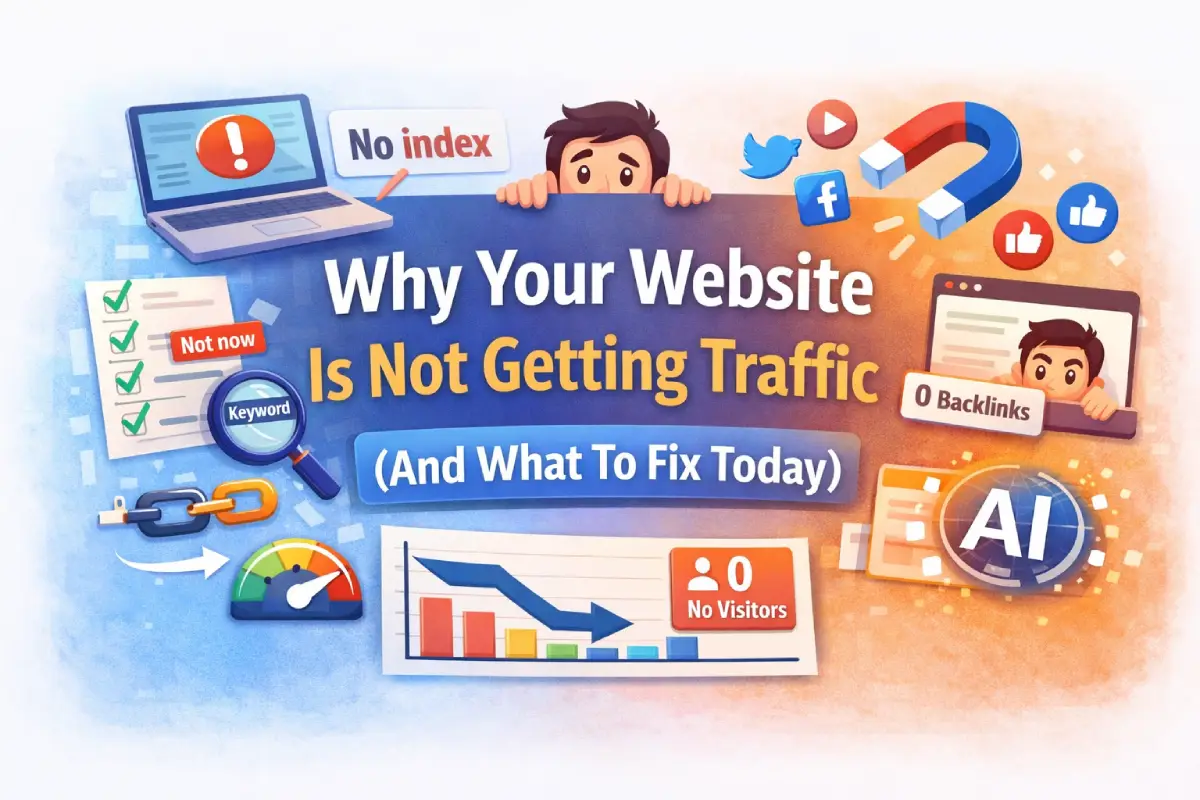
9 Reasons Your Website Is Not Getting Traffic (And How to Fix Them)
If you’re wondering why is your website not getting traffic, the answer usually lies in a few common issues. Many websites struggle because of indexing problems, weak keyword targeting, technical errors, or lack of promotion.
The good news is that these problems are fixable. Below are the most common reasons websites fail to attract traffic and the practical steps you can take to improve visibility and start growing your audience.
1. Start With the Index Check — If Google Can’t See You, It Can’t Send Traffic
One of the most common reasons a website gets no traffic is that Google cannot properly crawl or index it. Before blaming SEO, content, or competition, you need to confirm one thing: is your website even indexed?
Many beginners skip this basic check. But if your pages are not indexed, Google cannot rank them — no matter how good they are.
Open Google and type: site:yourdomain.com

Example: Using the site:yourdomain.com search operator to check whether your pages are indexed in Google.
If your pages appear in the results, your website is indexed. If no results appear, Google may not have indexed your site yet.
Then check Google Search Console → Coverage / Pages section.
Common indexing issues include:
- “Noindex” tag enabled – Sometimes WordPress settings accidentally block search engines.
- Blocked by robots.txt – A single line in robots.txt can prevent crawling.
- Sitemap not submitted – Google may discover pages slowly without it.
- Crawl errors or server errors – Hosting instability can interrupt indexing.
Quick Fix:
- Submit your XML sitemap in Search Console.
- Request indexing for important pages.
- Ensure “Discourage search engines” is disabled in WordPress settings.
- Fix any server or crawl errors shown in GSC.
If your site isn’t indexed properly, this alone can explain why your website is not getting traffic.
2. You’re Targeting the Wrong Keywords (Or No Keywords at All)
Many website owners write what they feel is useful. But Google ranks content based on what people are actively searching for.
You might have a beautifully written blog post — but if no one searches for that topic, you won’t get traffic.
Another common issue is search intent mismatch. For example:
Someone searching “how to design a landing page” expects a step-by-step guide.
But if your page is just a general explanation, Google won’t rank it.
Here’s what to do instead:
- Choose one primary keyword per page.
- Check if people are actually searching for it.
- Look at the top-ranking pages — are they guides? Lists? Case studies?
- Structure your content in a similar format, but better.
If your site is getting impressions but no clicks, this is usually the reason.
3. Your Website Is Too New (And Google Needs Trust Signals)
If your website is only a few weeks old, slow traffic is normal.
New domains need time to build authority and trust. Google does not immediately rank fresh websites above established competitors.
This doesn’t mean you are doing anything wrong.
What matters during the first 3–6 months:
- Publishing consistently
- Structuring content into clusters
- Building internal links
- Maintaining technical health
- Getting at least a few backlinks
Organic traffic compounds over time. It’s not instant.
4. Technical Problems Quietly Kill Traffic
This is something many people ignore.
You can do everything right with keywords and content — but if your website is technically unstable, traffic will suffer.
Common technical problems include:
- Slow loading speed
- Cheap shared hosting resource limits
- Too many heavy plugins
- Broken internal links
- Core Web Vitals issues
- Frequent downtime
Technical issues like slow loading speed, crawl errors, or server limitations can quietly prevent your website from gaining visibility. If you want a step-by-step guide to identifying these issues, you can follow this technical SEO checklist for WordPress.
I’ve seen websites where outdated themes and duplicate plugins were generating excessive server requests. The hosting environment kept hitting MySQL connection limits, causing repeated database errors. When Google crawls during downtime, indexing suffers.
Quick technical checklist:
- Run a speed test (Lighthouse or PageSpeed Insights)
- Remove unnecessary plugins
- Compress large images
- Upgrade hosting if frequent downtime occurs
- Fix broken links
If your site loads slowly or crashes often, Google will not prioritize it.
5. Thin or Unfocused Content Doesn’t Rank Anymore
Publishing 20 short blogs does not equal authority.
Google prefers complete, well-structured, helpful content. If your articles are 400–500 words with generic information, they won’t compete.
Instead of writing random topics, build around one main theme.
For example:
Pillar: “How to Drive Traffic to Your Website”
Cluster posts: indexing issues, keyword research, hosting problems, content promotion, etc.
This creates topical authority.
Improve thin content by:
- Expanding explanations
- Adding real examples
- Including FAQs
- Structuring with clear H2 and H3 headings
- Adding internal links
Quality and structure matter more than quantity.
6. You Have No Backlinks or External Signals
Google uses backlinks as trust signals.
If no other websites mention or link to you, your domain has very low authority — especially if you are in a competitive niche.
Even 5–10 relevant backlinks can make a difference for small sites.
Ways to start building backlinks:
- Write guest posts
- Collaborate with local businesses
- Share case studies
- Create useful downloadable resources
- Get listed in niche directories
- Reach out to websites that mention related topics
Backlinks are not about quantity. They are about relevance and trust.
7. You’re Not Promoting Your Content
This is where many website owners fail.
SEO alone is slow. Especially in the beginning, you must promote your content actively.
If you publish a blog and don’t share it anywhere, how will people discover it?
Simple weekly promotion plan:
- Share once on LinkedIn
- Repurpose into 2–3 short posts
- Create 1 Instagram or Pinterest graphic
- Send to your email list (even if small)
- Reach out to 1–2 relevant people
Organic traffic and social visibility support each other.
If you are asking why your website is not getting traffic, check how often you promote your content.
8. Your Website Lacks Structure (No Internal Linking Strategy)
Even if you have good blogs, they may be disconnected.
Google understands websites better when content is structured.
Without internal linking:
- Authority does not flow between pages
- Google cannot understand topical depth
- Users leave after reading one page
Build structure by:
- Creating one main pillar page
- Linking cluster posts to the pillar
- Linking related posts to each other
- Using descriptive anchor text
A structured site grows faster than a random collection of blogs.
9. You Are Not Optimizing for AI Search & Featured Snippets
Search is changing. Google now shows AI-generated summaries and quick answer boxes.
If your content is not structured clearly, it may not appear in these enhanced results.
To improve visibility:
- Add short, direct answers below question headings
- Use FAQ sections
- Write concise 40–80 word explanations for key questions
- Add schema markup where applicable
- Keep paragraphs clear and scannable
Even if rankings are competitive, structured answers can earn visibility.
Priority Action Plan: What To Do in 7, 30 and 90 Days
Instead of feeling overwhelmed, follow this phased plan.
First 7 Days (Quick Wins)
Start with the basics.
- Check indexing using site search
- Submit sitemap in Google Search Console
- Fix noindex or robots.txt issues
- Improve titles and meta descriptions of 3 key pages
- Remove unnecessary plugins
These actions alone can improve crawl visibility quickly.
Day 8–30 (High Impact Improvements)
Now move to structural improvements.
- Map one primary keyword to each important page
- Improve on-page SEO (headings, internal links, FAQs)
- Fix major speed issues
- Begin simple backlink outreach (1 per week)
- Publish 2 focused blog posts
You should start seeing impressions increase during this phase.
Month 2–3 (Growth Phase)
Now focus on authority.
- Build 3–5 cluster posts around one main topic
- Strengthen internal linking
- Promote consistently every week
- Track impressions and queries in Search Console
- Update old posts instead of always writing new ones
Organic traffic is gradual. Track monthly, not daily.
Quick Checklist (Copy & Save)
If you want a simple summary:
- Is my site indexed?
- Is my sitemap submitted?
- Does each page target one keyword?
- Is my content detailed and structured?
- Is my website fast and stable?
- Am I promoting every blog post?
- Do I have at least a few relevant backlinks?
- Is my site internally linked properly?
If even 2–3 of these are missing, that may be the reason your website is not getting traffic.
Mini Case Insight
I once worked on a website that was constantly facing database connection failures. The theme was outdated, plugins were duplicated, and shared hosting limits were being exceeded.
As I explained in this WordPress security case study, these issues eventually led to serious website instability and visibility problems.
- The site experienced repeated downtime
- Google crawl attempts failed
- Pages dropped from search visibility
After optimizing plugins, cleaning unnecessary scripts, and stabilizing hosting resources, crawl stability improved. Traffic didn’t skyrocket overnight — but indexing became consistent again.
Technical health is foundational.
Fix the Foundation to Start Growing Traffic
If you’re asking why your website is not getting traffic, the answer is rarely “bad luck.” It is usually one or more of these: indexing issues, poor keyword targeting, technical instability, lack of structure, or no promotion.
Sometimes the problem isn’t traffic at all. Some websites receive visitors but still struggle to convert them into enquiries or customers. If you’re facing that situation, read this guide on why your website gets traffic but no leads and what that actually means.
Traffic growth is not random. It is systematic.
Fix the foundation first. Then build authority. Then promote consistently.
Focus on solving the core issues first, and traffic growth will follow naturally. Do that — and your website will not stay invisible for long.
Frequently Asked Questions
How long does it take for a new website to get traffic?
Usually 3–6 months to see steady organic growth, assuming consistent publishing and proper optimization.
Can cheap shared hosting affect website traffic?
Yes. Frequent downtime and slow response times can reduce crawl frequency and harm rankings.
Should I delete old thin blog posts?
Not immediately. First improve and expand them. If multiple posts overlap, merge them and redirect weaker ones.
Why is my website getting impressions but no clicks?
Your title or meta description may not be compelling, or your content may not match search intent.
Why is my website not getting traffic even after publishing blogs?
Publishing blogs alone is not enough. If your site has indexing issues, poor keyword targeting, weak internal linking, or no promotion strategy, it may still struggle to get traffic.

