
Image SEO gets treated as an afterthought on most sites I audit — alt text left blank, file names still reading IMG_4821.jpg, images three times the size they need to be. None of these individually tanks your rankings, but together they add up to slower pages, weaker Google Images visibility, and accessibility gaps that matter regardless of SEO.
Image SEO is the process of optimizing your images so search engines can understand them, load them quickly, and display them in search results like Google Images. It includes file naming, alt text, compression, format selection, dimensions, and structured data.
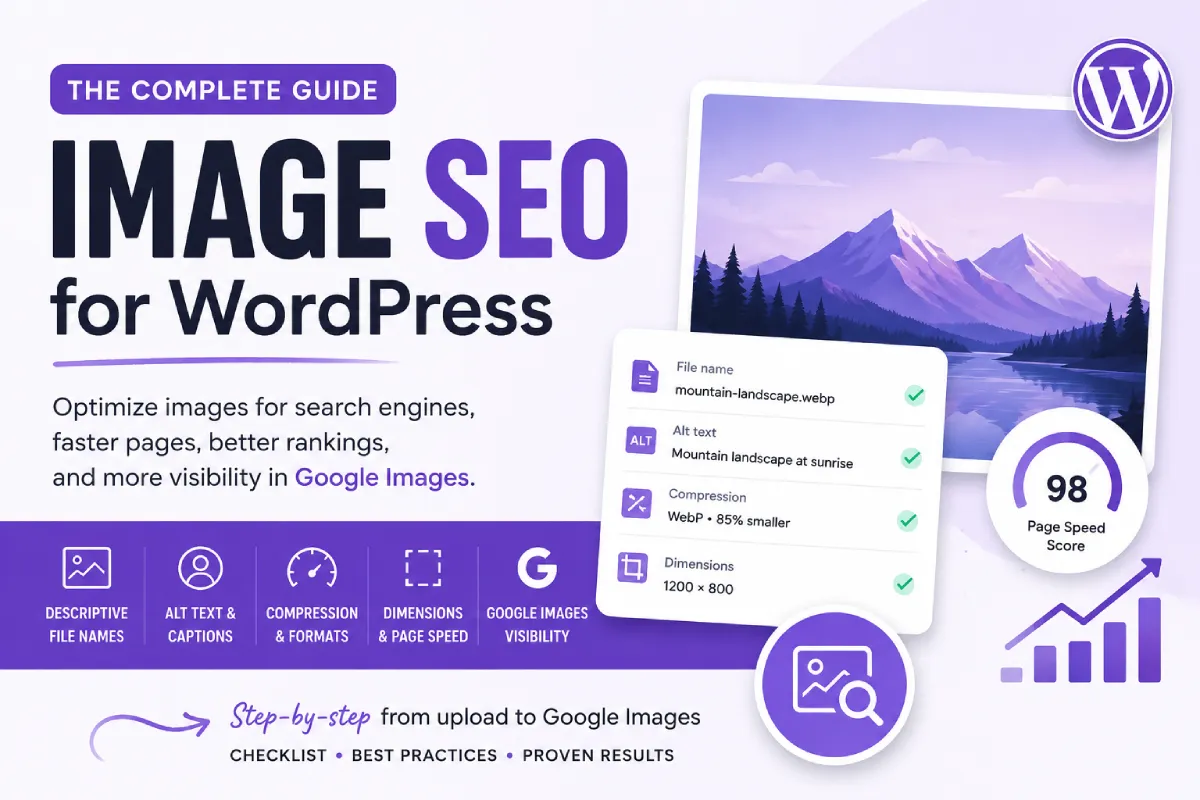
This guide is the overview. Each section below covers the fundamentals and links to a deeper, dedicated post where the topic warrants more detail than fits here.
File Names
Descriptive, lowercase, hyphenated file names give Google context before the image even loads. IMG_4821.jpg tells Google nothing; divi-global-section-example.jpg tells it exactly what’s in the frame. Full conventions, before/after examples, and the WordPress-specific gotchas (renaming after publishing breaks the URL) are in Image File Names for SEO.
Alt Text, Title Attributes, and Captions
These three get confused constantly, and they do different jobs: alt text serves accessibility and search context, the title attribute is a rarely-seen hover tooltip with minimal SEO weight, and captions are for the reader looking at the page. Alt text is the one that matters most and should be written for every meaningful image — the full breakdown of how to write it well is in How to Add Alt Text to Images in WordPress, and how it differs from the other two fields is covered in Image Titles vs Alt Text vs Captions.
Compression
Every image should be compressed before or immediately after upload — this is one of the highest-leverage, lowest-effort things you can do for page speed. I’ve compared the three best image compression plugins for WordPress I use most across client sites, with pricing and a recommendation by use case.
Formats
WebP and AVIF produce meaningfully smaller files than JPEG or PNG at equivalent visual quality, and most modern compression plugins handle the conversion automatically. PNG still has its place for images that genuinely need transparency or lossless detail, like screenshots with fine text. Format choice ties directly into overall page speed — I cover the tradeoffs in more depth as part of WordPress Speed Optimization.
Dimensions
Uploading a 4000-pixel image to display at 800 pixels wastes bandwidth regardless of how well it’s compressed afterward — the browser downloads the full file either way. Resize to actual display dimensions before uploading, and make sure width/height attributes are present so browsers can reserve layout space and avoid content shift. This connects directly to Core Web Vitals, particularly when a large image is your page’s LCP element — full detail in Core Web Vitals.
Most WordPress sites now use native lazy loading, which defers offscreen images and improves initial load time—but your above-the-fold image (often LCP) should load immediately.
Google Images Visibility
Beyond the fundamentals above, ranking specifically in Google Images involves a few additional factors: sitemap inclusion, structured data for certain content types, licensable image metadata, and making sure important information isn’t buried inside an image where Google can’t read it as text. Full walkthrough in How to Optimize Images for Google Images.
Run Through the Checklist
If you want the condensed, step-by-step version of everything above in the order I’d actually work through it — before upload, at upload, on the page, and site-wide — see the WordPress Image SEO Checklist.
Where to Start If You’re Overwhelmed
Four things, in this order: resize before upload, compress with a plugin, write real alt text, and confirm your sitemap includes images. Everything else in this guide builds on that foundation, and none of it matters much if those four aren’t already in place.
Frequently Asked Questions
What’s the single biggest image SEO mistake you see?
Blank alt text, by a wide margin. It’s the field that does the most work for both accessibility and search context, and it’s the one most commonly skipped entirely.
Does image SEO help with regular page rankings, or only Google Images?
Both. Compression and correct dimensions affect Core Web Vitals, which factors into overall page experience. Alt text and file names contribute contextual signals Google uses to understand the page as a whole, not just the image.
How long does a full image SEO cleanup take on an existing site?
Depends entirely on library size, but prioritizing by traffic means you don’t need to fix everything before seeing benefit — start with your highest-traffic pages and anything you want visible in Google Images, then work outward from there.
Is image SEO worth the effort on a small site?
Yes, arguably more so — on a small site, a handful of image fixes represents a much larger proportional improvement to page speed and content quality than the same fixes would on a large, established site with many other ranking factors already in play.

